

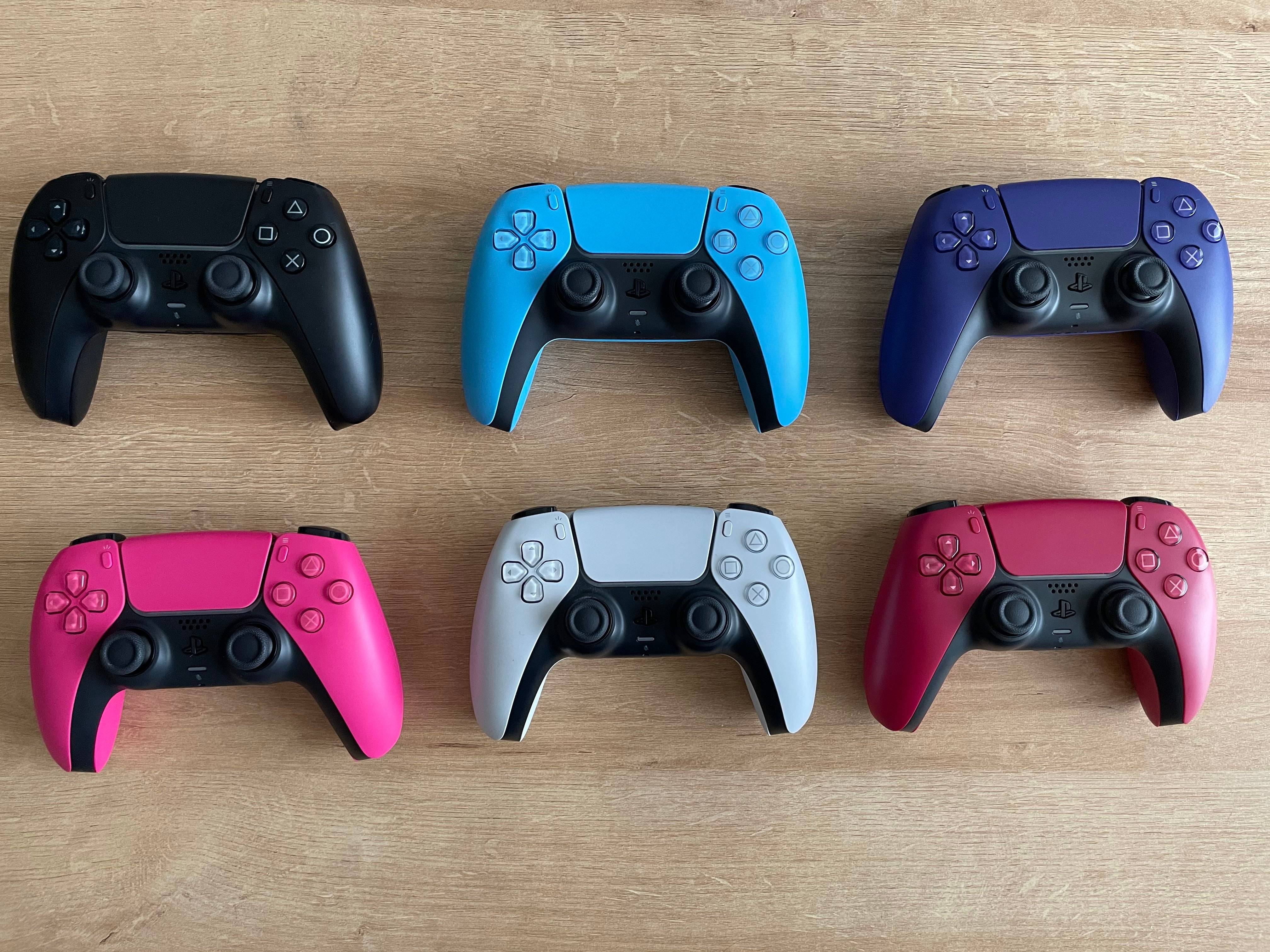
Le Sony Dualsense est largement considéré comme le meilleur contrôleur PS5, loué pour ses fonctionnalités innovantes, son adhérence confortable et sa conception ergonomique, maximisant votre expérience de jeu PlayStation 5. Le connecter à un PC de jeu, cependant, peut sembler intimidant - vous souvenez-vous des difficultés avec le DualShock 4? Heureusement, le DualSense possède une compatibilité des PC considérablement améliorée, gagnant facilement sa place parmi les meilleurs contrôleurs PC disponibles. Explorons le processus de connexion simple.
Connecter votre contrôleur PS5 à votre PC: ce dont vous aurez besoin
- Un câble USB-C compatible des données (certains câbles moins chers ne fournissent que de l'énergie). Vous aurez besoin d'un câble USB-C vers USB-C si votre PC dispose d'un port USB-C ou d'un câble USB-C vers USB-A pour les ports USB standard.
- Un adaptateur Bluetooth pour votre PC (si votre PC manque de Bluetooth intégré).
S'assurer que vous avez l'équipement nécessaire est essentiel. Le dualSense n'inclut pas de câble USB, et tous les PC n'ont pas Bluetooth.
Les adaptateurs Bluetooth sont facilement disponibles; Certains installent dans une fente PCIe, tandis que d'autres se branchent simplement sur un port USB.
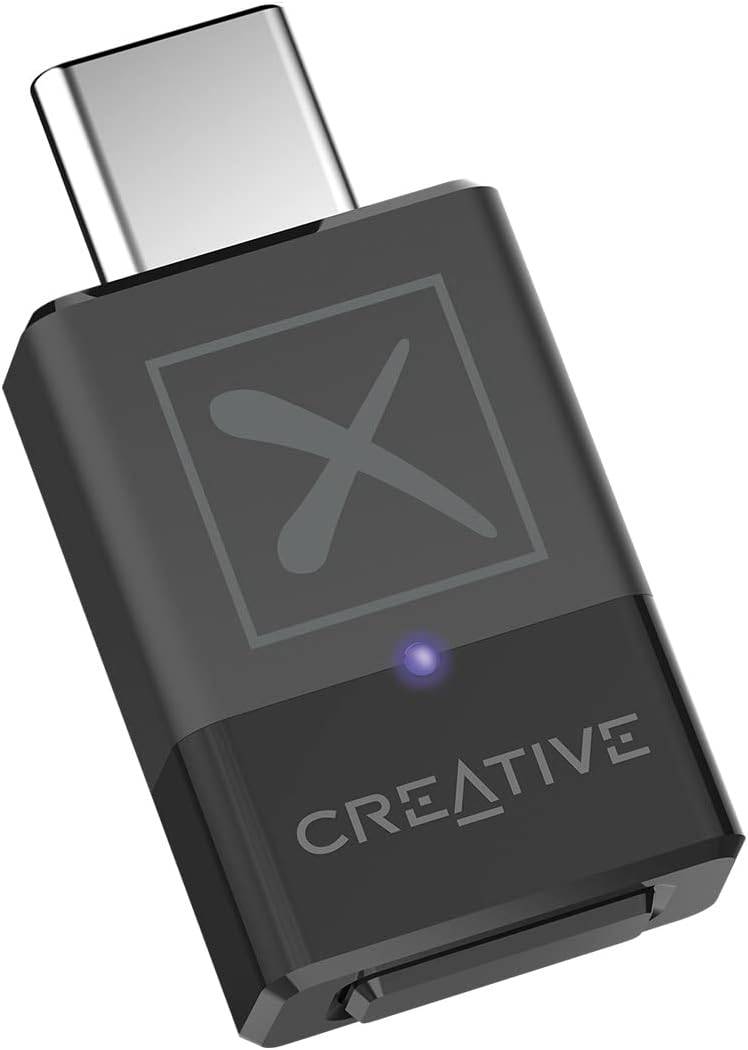
Notre premier choix: émetteur Bluetooth créatif BT-W5
Connecter votre contrôleur PS5 à votre PC via USB
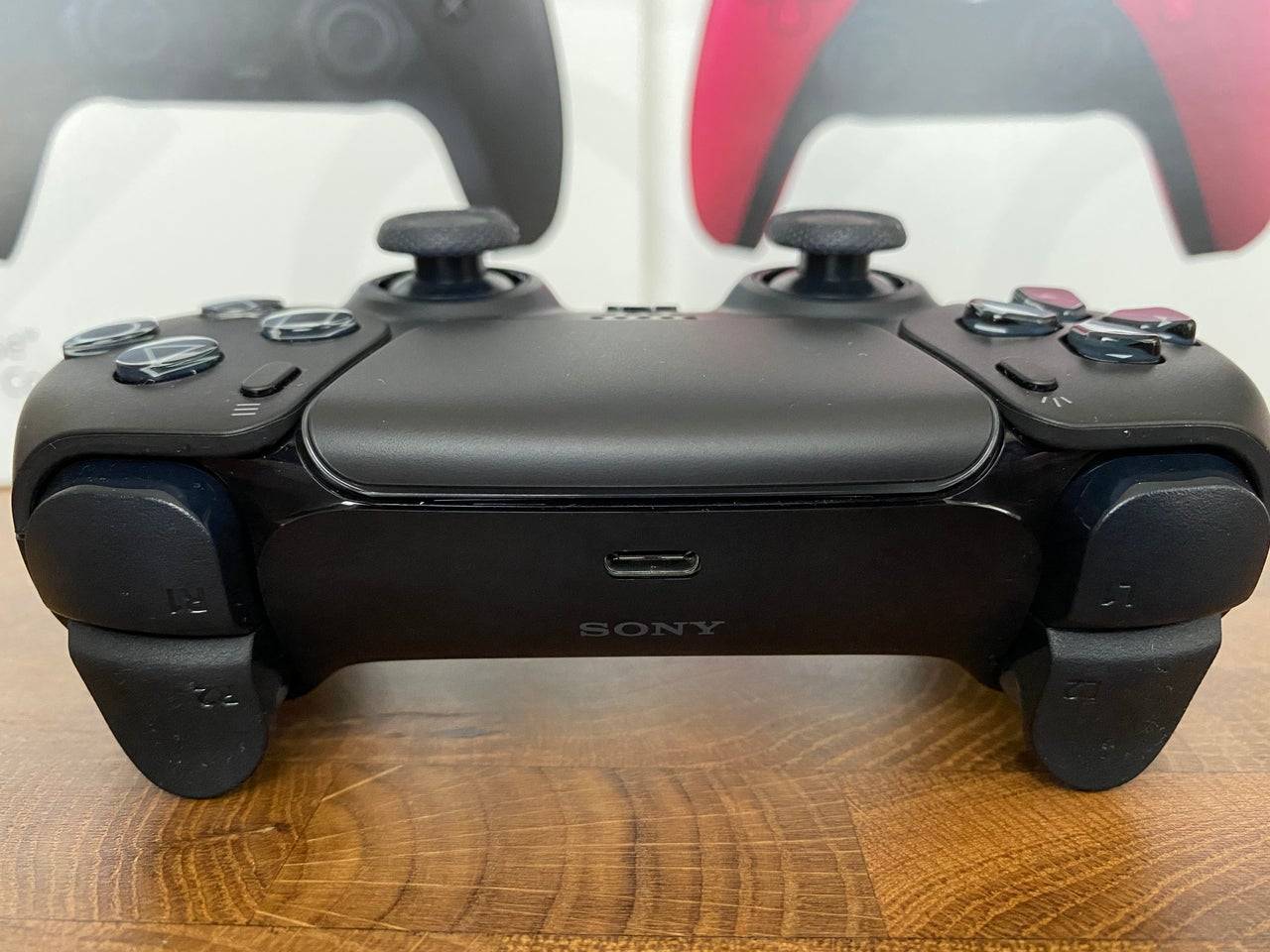
- Branchez le câble USB sur un port disponible sur votre PC.
- Connectez l'autre extrémité du câble au port USB-C sur votre contrôleur DualSense.
- Attendez que votre PC Windows reconnaisse le contrôleur DualSense comme une manette de jeu.
Connexion de votre contrôleur DualSense PS5 à votre PC via Bluetooth
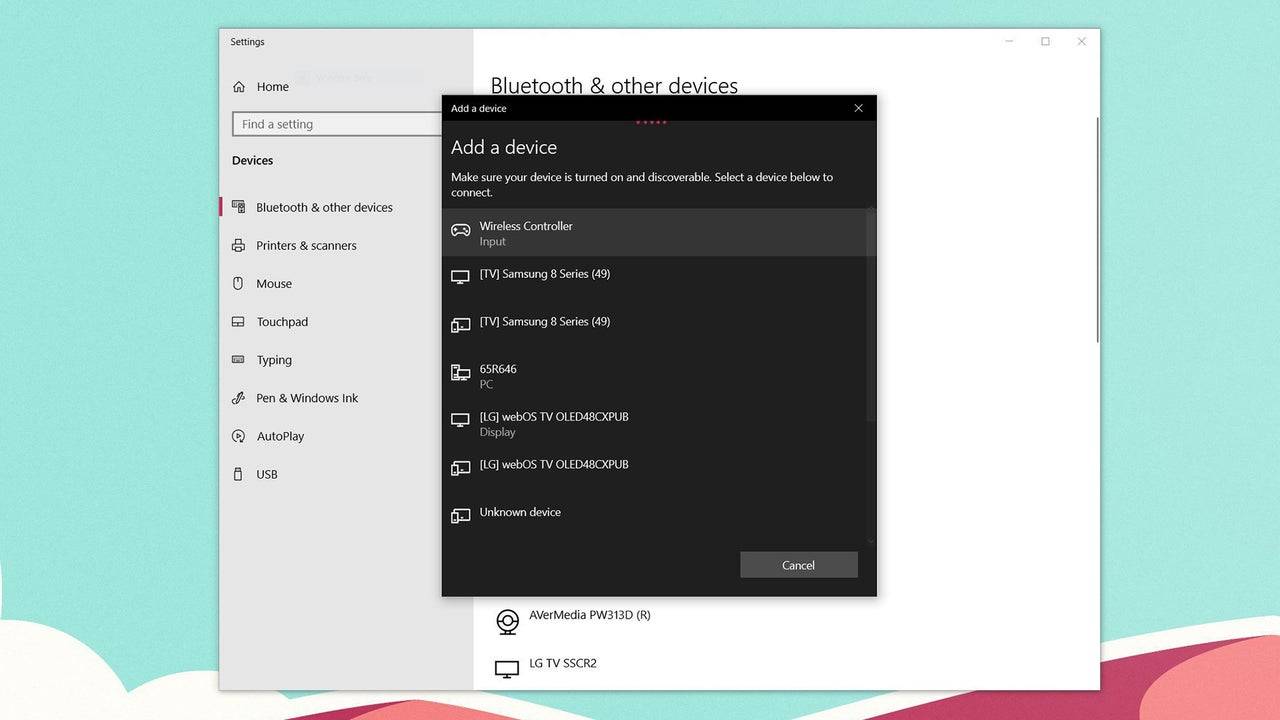
- Accédez aux paramètres Bluetooth de votre PC (appuyez sur la touche Windows, tapez "Bluetooth" et sélectionnez "Bluetooth et autres appareils" dans le menu).
- Sélectionnez "Ajouter Bluetooth ou un autre appareil".
- Choisissez "Bluetooth" dans la fenêtre contextuelle.
- Avec votre contrôleur DualSense éteint et déconnecté, appuyez et maintenez le bouton PS et le bouton Créer (à côté du D-Pad) simultanément jusqu'à ce que la barre lumineuse sous le pavé tactile commence à clignoter.
- Sélectionnez votre contrôleur DualSense dans la liste des appareils Bluetooth disponibles sur votre PC.
 Derniers téléchargements
 Downlaod




 Actualité à la Une