
Horror Tower Defense plunges you into a chilling adventure, featuring an extensive campaign with intricately detailed levels and a diverse array of sinister enemies. To build your team, you'll summon characters using in-game currency, though gathering enough funds can be a lengthy grind.
Thankfully, similar to other Roblox games, you can expedite your progress in Horror Tower Defense by using codes. Each code grants valuable freebies, including a substantial amount of currency, so be sure to take advantage of them.
Latest update: January 6, 2025, by Artur Novichenko. Codes are an excellent method for earning extra rewards, and this guide is your resource for finding them. Remember to check back regularly for new additions.
All Horror Tower Defense Codes
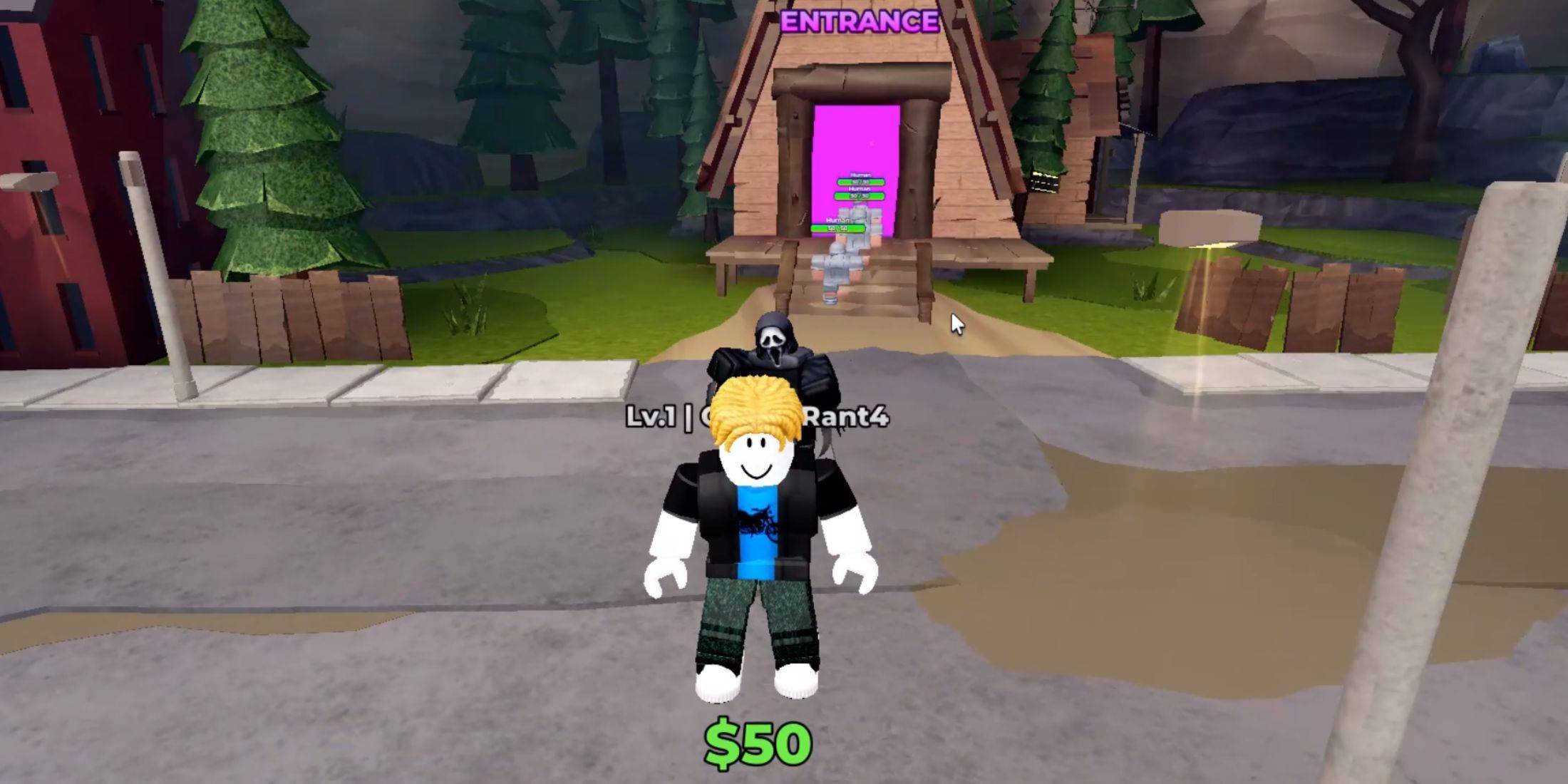
Active Horror Tower Defense Codes
- squid - Use this code to receive Coins. (NEW)
- Herbert - Use this code to receive Coins.
Expired Horror Tower Defense Codes
- HOLIDAYS - Previously redeemed for Coins.
- FRIDAY - Previously redeemed for Coins.
- HAUNTED - Previously redeemed for Coins.
- ENDLESS - Previously redeemed for Coins.
- TRAITS - Previously redeemed for Coins.
- QUESTS - Previously redeemed for Coins.
- TRADING - Previously redeemed for 300 Coins.
- Release - Previously redeemed for 150 Coins.
In Horror Tower Defense, as with other tower defense games, your team composition is crucial for success. Redeeming codes provides a significant currency boost, allowing you to summon and enhance new units more efficiently.
How to Redeem Codes in Horror Tower Defense
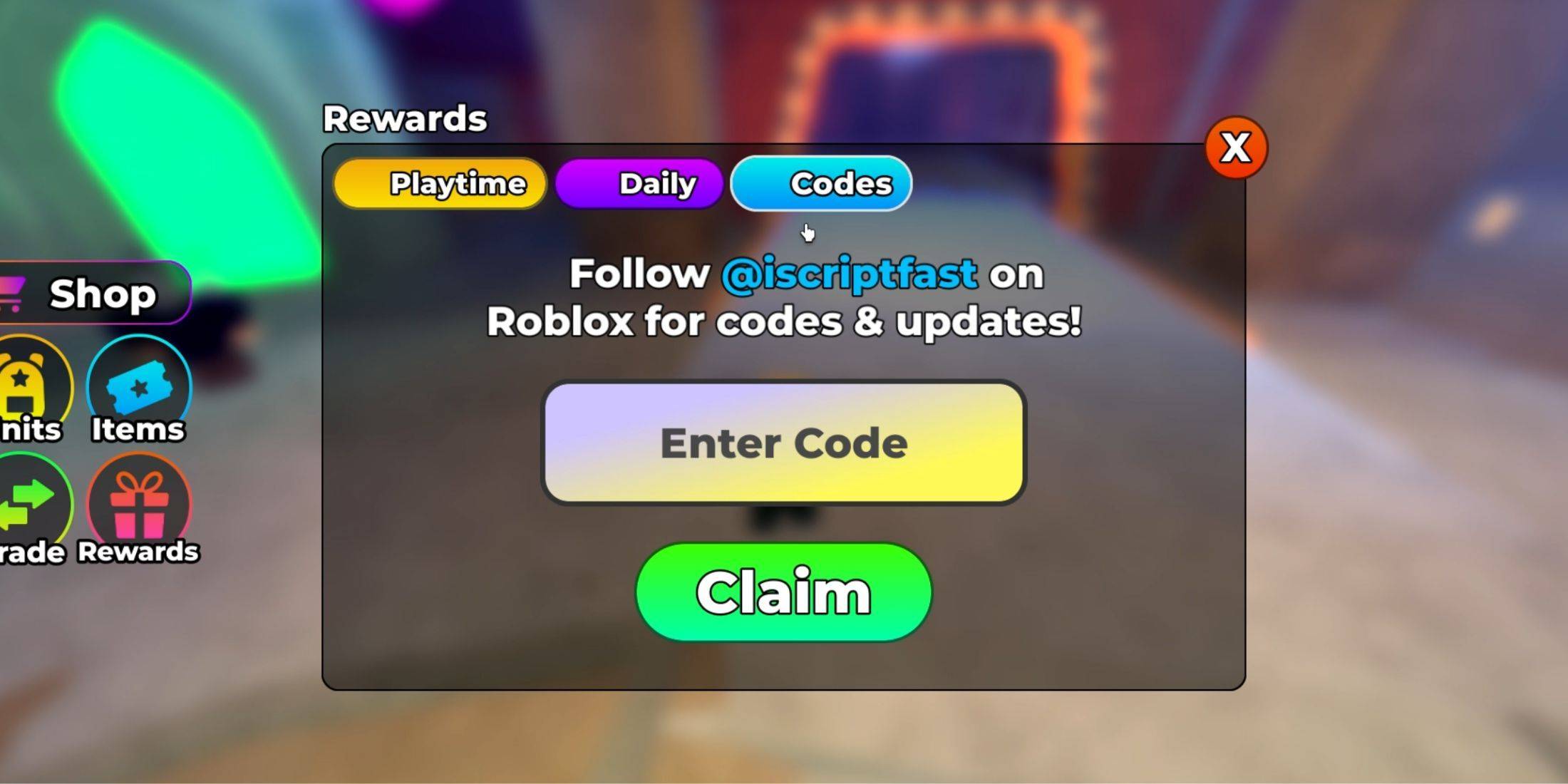
The code redemption process in Horror Tower Defense is straightforward and familiar to Roblox players. If you're new to this, follow our step-by-step guide:
- Launch Horror Tower Defense.
- Look at the left side of your screen. You'll see several buttons arranged in two rows. Click the second button in the second row labeled "Rewards".
- This opens the Rewards menu. Select the "Codes" button at the top of this menu.
- You will now see the code redemption section. There is an input field and a green "Claim" button below it. Enter one of the active codes from the list above into the input field.
- Finally, click the green "Claim" button to submit your code.
If entered correctly, a notification will appear on your screen listing the rewards you've received.
How to Discover More Horror Tower Defense Codes
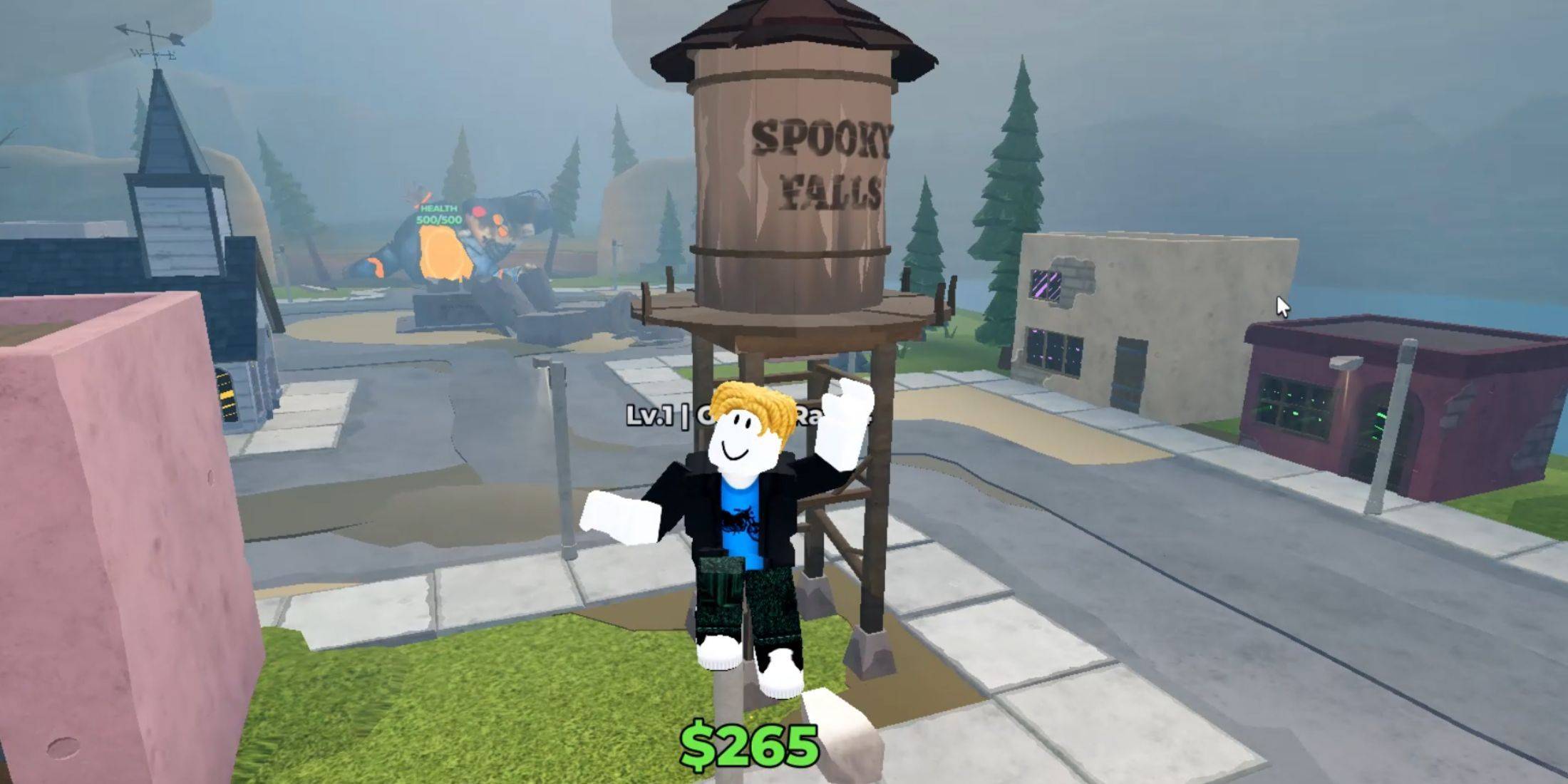
To find more Horror Tower Defense codes, regularly check the game's official social media channels. Staying updated with the latest news and announcements is the best way to ensure you never miss a new code:
- The official Horror Tower Defense Roblox group.
- The official Horror Tower Defense Discord server.
 Latest Downloads
 Downlaod



 Top News