
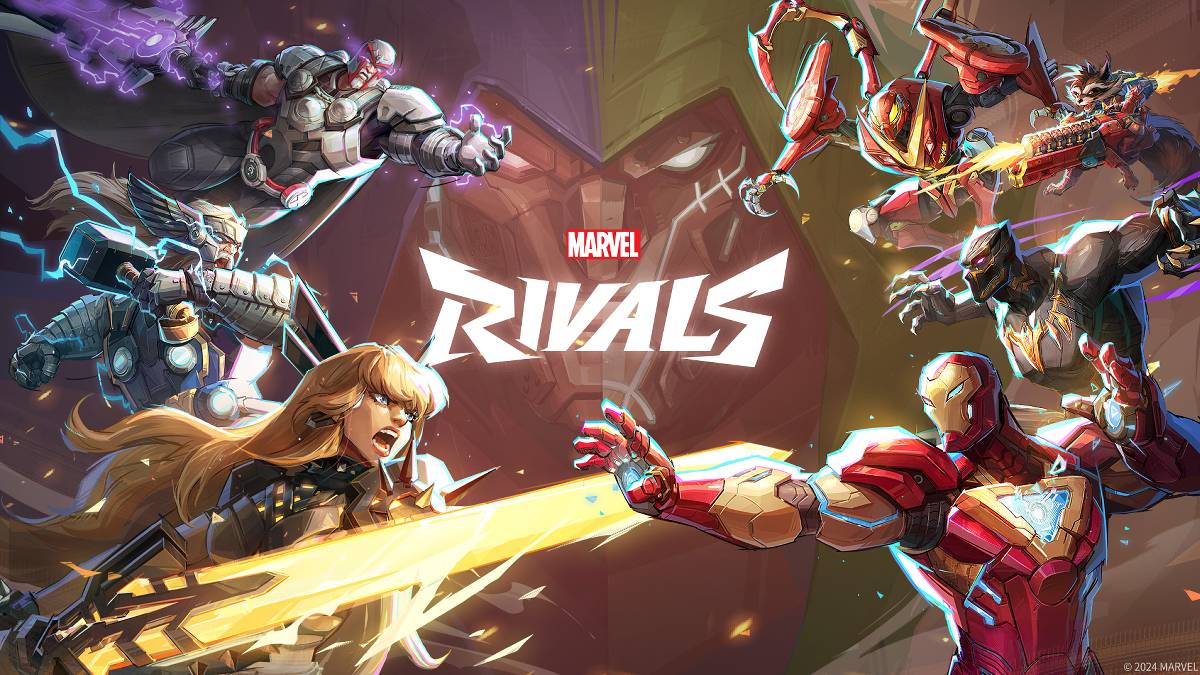
Устранение неполадок Marvel конкуренты Коды ошибок: комплексное руководство
Современные игры неизбежно связаны с ошибками и кодами ошибок, а Marvel конкуренты не являются исключением. Это руководство предоставляет решения для общих кодов ошибок, с которыми сталкиваются игроки на различных платформах.
Общие Marvel конкуренты Коды и решения ошибок
Широкий спектр кодов ошибок и сбоев может повлиять на игровой процесс, от полной заморозки игры до незначительного задержки. К счастью, у большинства есть простые решения.
| Error Code | Description | Troubleshooting Steps |
|---|---|---|
| Error 4 | Frequently appears on PlayStation, but can also occur on PC. | 1. Verify internet connection. 2. Check server status. 3. Restart *Marvel Rivals*. |
| 99% Loading Bug | Players become stuck at 99% during match loading. | 1. Check internet connection. 2. Close unnecessary background applications. 3. Adjust Network Diagnostic Settings. |
| Error 211 | Common on Steam, indicating connection problems. | 1. Check server status. 2. Disable third-party server blockers. 3. Verify internet connection. 4. Verify game files. |
| Error 10 | Appears on launch, usually due to poor internet connection. | 1. Check internet connection. 2. Restart *Marvel Rivals*. 3. Check server status. |
| Error 220 | Potentially caused by server location or firewall settings. | 1. Review and adjust security firewall settings. 2. Adjust DNS settings. 3. Disable third-party server blockers. 4. Consider using a VPN. |
| Error 21 | Sometimes encountered by Xbox players on launch. | 1. Restart your console. 2. Reset your router. 3. Check server status. 4. Disable IPv6 on your internet connection. 5. Consider using a VPN. |
| Error 5 | Seen on PlayStation; indicates high ping and packet loss. | Address high ping and packet loss due to latency issues. |
| Error 26 | Prevents gameplay. | 1. Check internet connection. 2. Disable your VPN (if used). 3. Clear cache files. 4. Verify game files. |
| Packet Loss Error | High ping and packet loss due to high latency spikes. | 1. Check internet connection. 2. Close unnecessary background applications. 3. Adjust Network Diagnostic Settings. |
| DX12 Not Supported | Game fails to launch due to DX12 incompatibility (often Windows or GPU related). | 1. Update to the latest Windows version. 2. Update your GPU drivers. 3. Reinstall *Marvel Rivals*. |
| Error Code 258 | Login failure via PC launcher (common on Epic Games Store). | Specific to Epic Games Store users. |
| Error LS-0014 | Another Epic Games Store-specific error. | 1. Check your antivirus software. 2. Verify game files. 3. Reinstall the game. |
| Igniting the Timestream | Occurs during matchmaking. | 1. Check server status. 2. Restart the game. 3. Check internet connection. |
| Version Mismatch | Appears after game updates. | 1. Verify game files. 2. Check for and install updates. |
3 . Проверьте подключение к Интернету.
2. Обновите свои драйверы графического процессора.
3. Закрыть ненужные фоновые приложения.
2. Нижние графические настройки.
3. Запустите инструмент диагностики памяти Windows. Проверьте состояние сервера.
2. Проверьте подключение к Интернету.
- Marvel конкуренты* доступны на PS5, ПК и Xbox Series X | S. Стабильное подключение к Интернету имеет решающее значение для оптимального игрового процесса. Перезапуск вашего устройства часто является полезным первым шагом в устранении неполадок.
 Последние загрузки
 Downlaod
 Главные новости